Onimusha: Way of the Sword player guide · Official previews · September 2026
Demo and launch-day checklist
Play the demo for the Kiyomizu-dera route and combat tutorial, keep its save data for the announced Kubi Akari bonus and stat boost, then begin the full game knowing that demo progress itself does not carry over.
01 / Prerequisites
What to know before you start
- ✓Use the latest demo update if you want the expanded Daidara encounter.
- ✓Keep the demo save on the same platform/account you plan to use for the full game.
02 / Decisions
Follow the sequence in order
- 01
Use the demo as a timing lab
The early Kiyomizu-dera route exposes Parry, Deflect, Issen, Oni Armaments, and soul absorption before the main game broadens its world.
- 02
Finish the Ganryu duel
The original demo culminates in a duel with Sasaki Ganryu. The updated demo adds more playable space and the Daidara boss.
- 03
Keep the save file
Official announcements state that retained demo save data unlocks the Kubi Akari Charm in the full game and boosts Musashi’s stats.
- 04
Check the PC baseline
The Steam listing requires Windows 11, 16 GB RAM, an SSD, and 50 GB of storage. The minimum target is 1080p/30 on Low with upscaling; recommended targets 1080p/60 on Medium with upscaling.
03 / Common mistakes
Avoid the wrong read
Demo story progress does not transfer into the full game.
The Windows version of the demo had a different release schedule from console demos.
Edition cosmetics do not change sword performance unless the item is explicitly a Charm.
04 / Continue
Open the exact records used by this guide
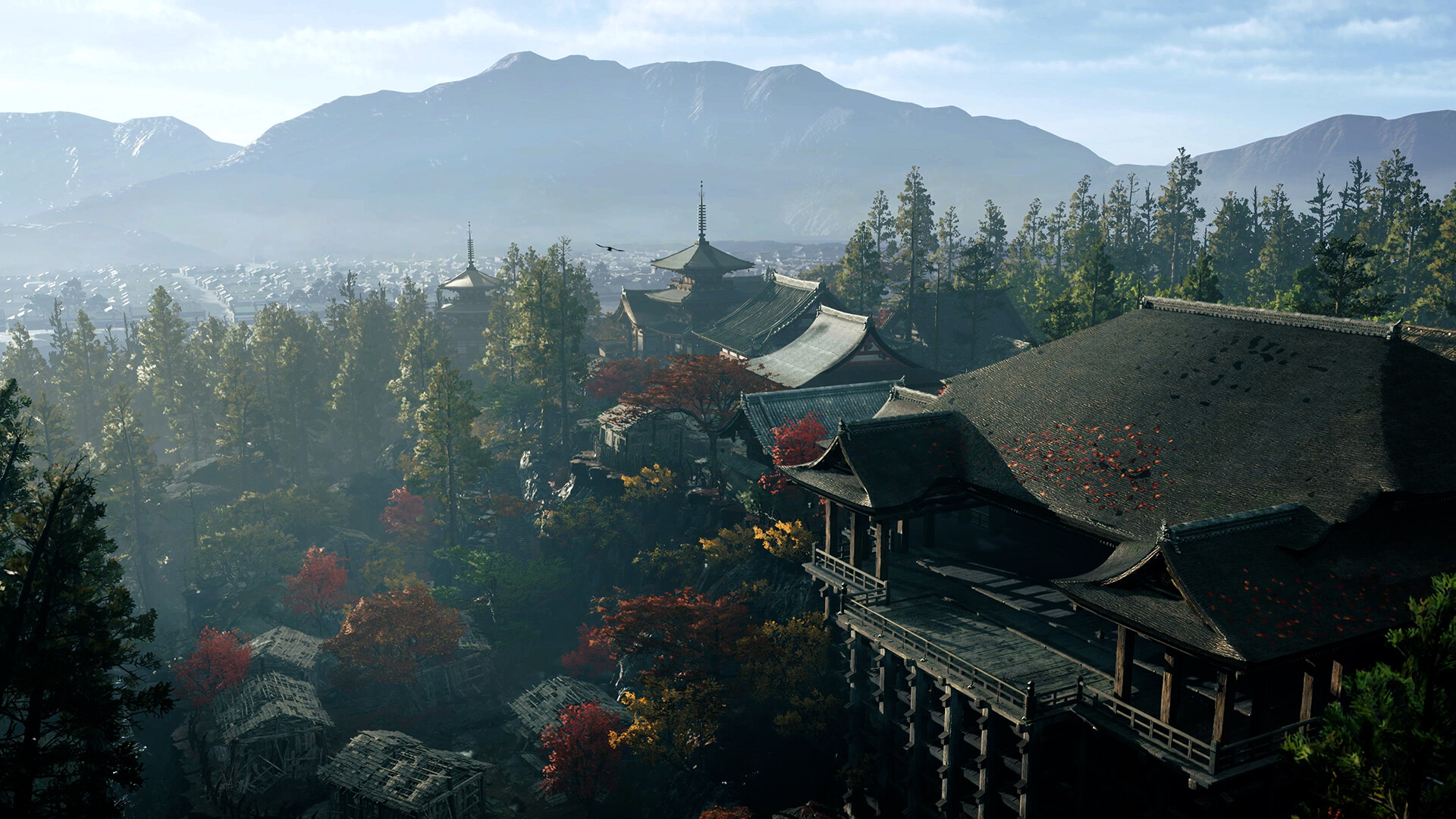
Kiyomizu-dera Temple
Kiyomizu-dera Temple anchors the public demo route and culminates in Musashi’s duel with Sasaki Ganryu.
Open field note ↗
Sasaki Ganryu
Sasaki Ganryu is Musashi’s rival and the human opponent at the end of the original Kiyomizu-dera demo route.
Open field note ↗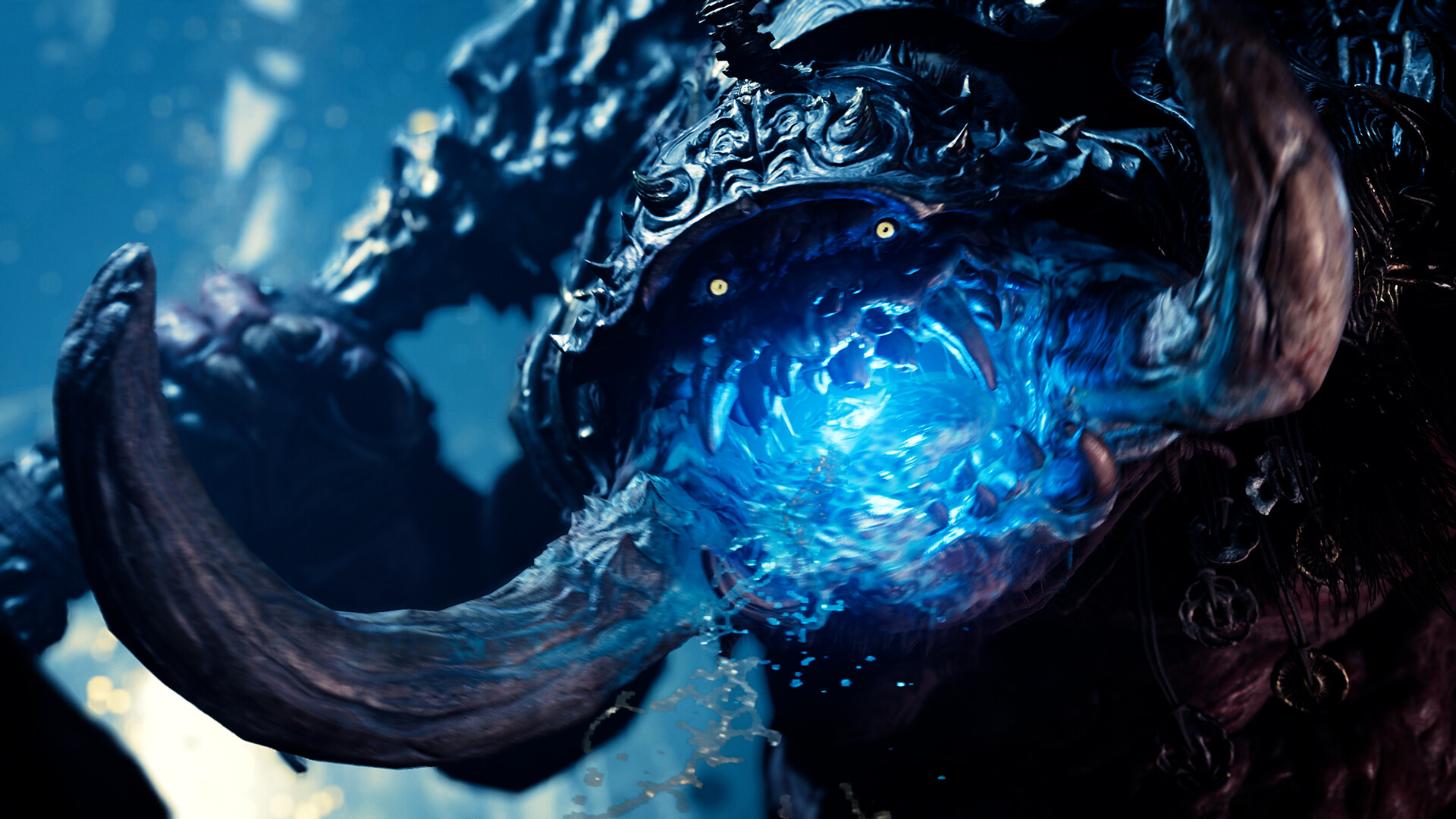
Daidara
Daidara is a towering, gluttonous Genma whose hunger extends to the souls Musashi wants to absorb.
Open field note ↗